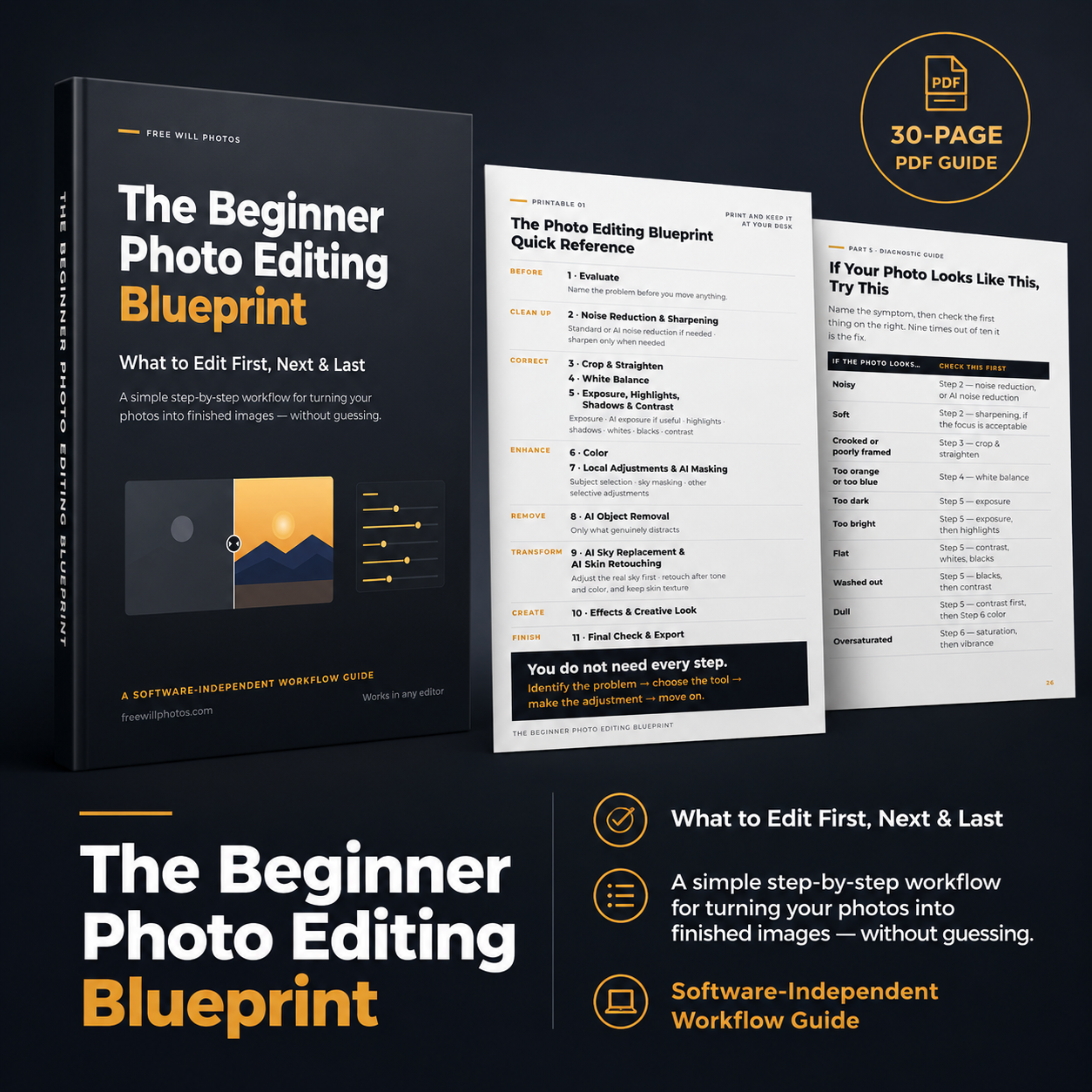

Not sure what to do first when you open a photo in your editor?
The Beginner Photo Editing Blueprint gives you a simple, repeatable workflow for editing your photographs from start to finish. Instead of randomly moving sliders, applying effects too early, or wondering when your image is finished, you’ll learn how to identify the problem, choose the right tool, make the adjustment, and move on.
Best of all, this is a software-independent workflow, so you can apply the process in the photo editor you already use.
What’s Inside the Guide
The Complete 11-Step Photo Editing Blueprint — Evaluate → Noise Reduction & Sharpening → Crop & Straighten → White Balance → Exposure, Highlights, Shadows & Contrast → Color → Local Adjustments & AI Masking → AI Object Removal → AI Sky Replacement & AI Skin Retouching → Effects & Creative Look → Final Check & Export.
Beginner Rules for Every Step so you understand not only how to make an adjustment, but why you’re making it.
AI Tools in the Right Place — learn where AI exposure, AI noise reduction, AI masking, object removal, sky replacement and skin retouching actually fit into a normal editing workflow.
Portrait Editing Blueprint + Clean Natural Portrait Recipe focused on believable skin tone, texture and attention on the person.
Landscape Editing Blueprint + Vibrant Natural Landscape Recipe for balancing skies, foregrounds, dynamic range, color and atmosphere.
Wildlife Editing Blueprint + Wildlife Subject Pop Recipe for helping the animal stand out through light and detail without making the edit obvious.
Travel & Street Editing Blueprint + Documentary Street Look Recipe designed to preserve the atmosphere and honesty of the scene.
Everyday Photography Blueprint + Quick Five-Minute Edit for family photographs, pets, vacations, flowers, events and everyday snapshots.
Diagnostic Guide to help you identify common problems such as images that look noisy, soft, flat, washed out, oversaturated, too dark or over-edited — and determine what to check first.
“Should I Use This?” Decision Chart to help you decide whether a standard tool or AI tool is actually necessary.
Two Printable Quick-Reference Pages you can keep nearby while you edit, including the complete Photo Editing Blueprint and the “Do I Need This Adjustment?” Checklist.
Reviews
I have been a semi-Pro photographer for many years now and have had the fortune to use nearly all of the greatest pieces of photp editors. With the advent of AI many of us have been drug off-course from our good habits and structured editing workflows. I bought this more to support Chris, than to learn about editing a photo, but... it was an amazing wake-up call for me to get back to the basics and stop trying to shortcut a good workflow with a lot of AI madness. Great work, Chris!
The best aspect of Chris's workflow is to sit and think what is wrong with a particular photograph and what needs to be improved before touching a slider. Obvious once this has been pointed out! He then goes through a systematic procedure to address the issues outlined in the first stage. Each stage builds on the previous one.
Since using the blueprint I have become more confident in photo editing. Well done Chris!